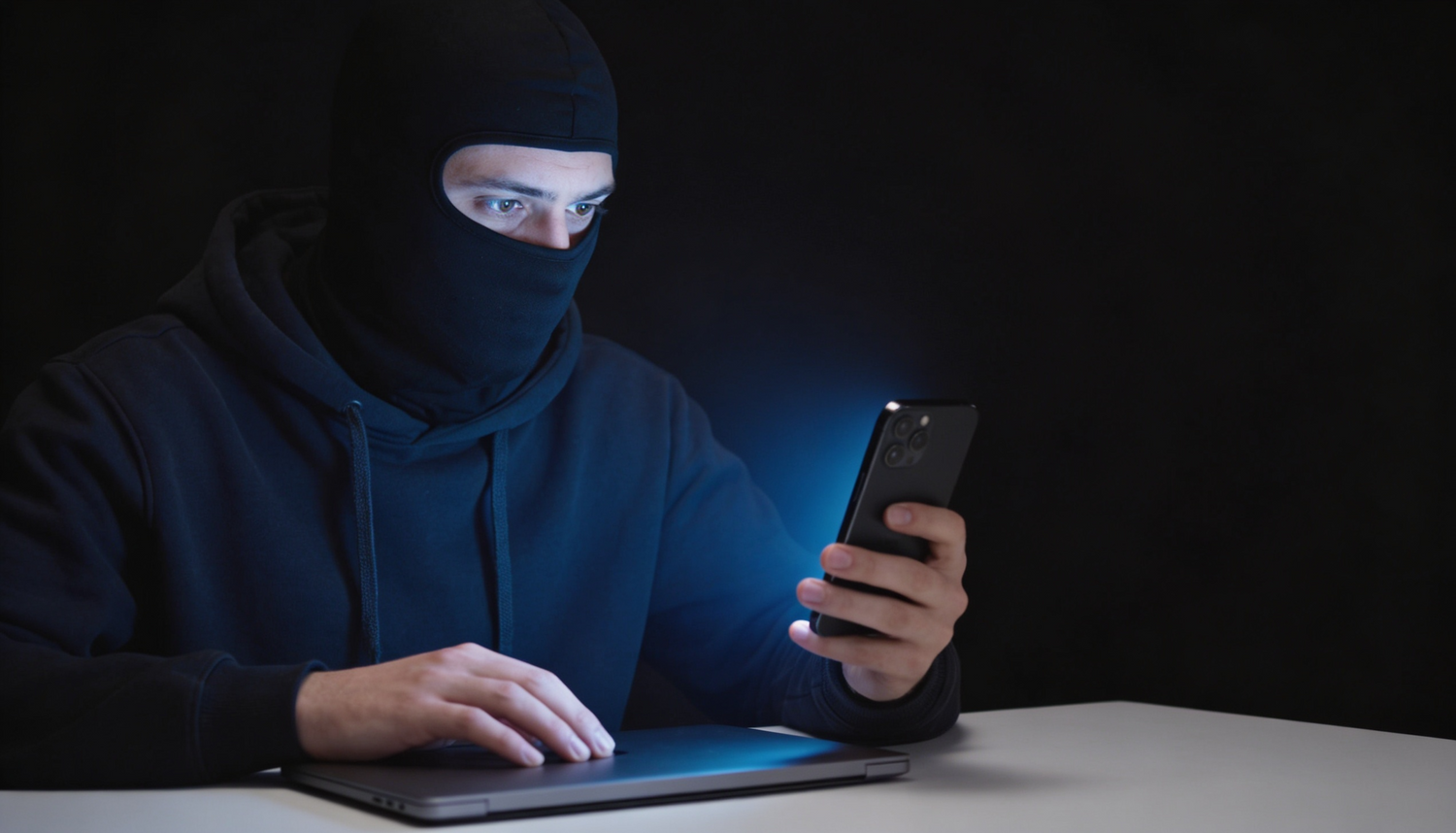
Yes, an iPhone camera can be hacked, but for most people it is unlikely. The realistic threats are documented Safari exploits, malicious configuration profiles, jailbroken devices, and zero-click spyware like Pegasus, which has been found on the phones of journalists, executives, lawyers, and activists. For the average user, the odds are low. For anyone handling sensitive information, the odds are high enough to take seriously.
This article is written for journalists protecting source confidentiality, executives traveling internationally, lawyers concerned about attorney-client privilege, and healthcare workers whose phones double as patient-facing devices. If that describes you, the question is not whether your iPhone camera can be hacked. It is what you do about it.
We will walk through how iPhone camera hacking actually works in 2026, the specific warning signs to check on your device, an iOS hardening checklist, and why software defenses alone are never a 100% guarantee. For a broader overview of camera-cover protection, start with our iPhone privacy case collection.
Can someone hack my iPhone camera? The honest answer
The short answer: yes, but it requires effort. iOS is one of the most hardened consumer operating systems in the world. Apple sandboxes apps, requires explicit camera permissions, and shows a green indicator dot whenever the camera is active. Those defenses block the vast majority of casual attacks.
However, multiple documented cases prove an iPhone camera can be compromised:
- The Ryan Pickren Safari exploit (2020). Security researcher Ryan Pickren chained seven zero-day vulnerabilities in Safari to access the camera and microphone simply by getting a user to visit a malicious website. Apple paid him a $75,000 bug bounty. No clicks, no app install, no permission prompts.
- Pegasus spyware. Investigations by Citizen Lab and Amnesty International have repeatedly found NSO Group's Pegasus on iPhones belonging to journalists, dissidents, and government officials. Pegasus is zero-click, meaning it can install via a missed iMessage and gain full device access including the camera.
- Malicious MDM profiles. Attackers convince a target to install a configuration profile (often disguised as a VPN or work app) that grants device-level control.
- Jailbroken devices. A jailbreak removes Apple's sandboxing and is the easiest path to full camera access for any installed app.
The pattern is clear: iPhone camera spying is rare, targeted, and expensive to pull off. If you are a person of interest to a well-resourced adversary, you should assume it is possible.
How iPhone camera hacking actually works
Browser-based exploits
Safari and WebKit have shipped dozens of camera- and microphone-related CVE patches over the past five years. A weaponized website can, in theory, chain unpatched vulnerabilities to bypass permission prompts. This is why iOS updates matter. Patches close these doors before public exploitation.
Malicious apps and profiles
App Store review catches most camera-abusing apps, but sideloaded enterprise apps and configuration profiles bypass that filter. If you ever installed a profile to access a corporate Wi-Fi or a beta app, check Settings > General > VPN & Device Management. An unfamiliar profile is a red flag.
Zero-click spyware
Pegasus and its commercial peers (Predator, Reign) deliver via a malformed iMessage, FaceTime call, or PDF that triggers a memory corruption bug. The user never taps anything. Once installed, the spyware can stream the camera, microphone, and location. For high-risk users, Apple's Lockdown Mode (Settings > Privacy & Security > Lockdown Mode) significantly reduces this attack surface by disabling many of the message-parsing features Pegasus exploits.
Physical access
If someone has your unlocked phone for a few minutes, they can install profiles, change permissions, or pair monitoring tools. This is a real risk at airport security, hotel rooms, and during border crossings. A Faraday bag blocks all radio signals to and from the device, useful when you cannot keep eyes on the phone.
Signs your iPhone camera is hacked
No single sign confirms a hack, but a cluster of these together warrants investigation:
- The green dot appears when you are not using the camera. iOS shows a green indicator in the top-right of the screen whenever an app accesses the camera. If you see it during idle moments, open Control Center to see which app triggered it.
- Battery drains unusually fast. Spyware running camera or microphone streams in the background consumes power. Check Settings > Battery for unfamiliar apps high on the list.
- The phone runs hot when idle. Background camera processes generate heat even when the screen is off.
- Cellular data spikes. Streaming video off the device burns data. Settings > Cellular shows per-app usage.
- App Privacy Report shows unexpected camera access. Settings > Privacy & Security > App Privacy Report logs every sensor access in the past seven days. This is the single most useful diagnostic on iOS.
- Unfamiliar configuration profiles. Settings > General > VPN & Device Management. If anything is there you did not install, remove it.
- Photos or videos you did not take. Spyware sometimes saves locally before exfiltration.
- The phone wakes, lights up, or makes shutter sounds on its own. Rare but reported with poorly written spyware.
To go deeper, our guide on how to know if someone is hacking your iPhone camera walks through each of these checks with screenshots.
Can hackers disable the green camera indicator?
On a non-jailbroken iPhone running current iOS, no. The green dot is enforced at the operating system level, below the application layer, and cannot be hidden by ordinary apps. On a jailbroken device, all bets are off because the security boundary that enforces the indicator has been removed. Nation-state spyware operating with kernel-level access could theoretically suppress it, though confirmed public examples are rare.
The takeaway: the green dot is a useful signal, but it is not a guarantee. Treat its presence as evidence of camera use; treat its absence as inconclusive.
How to protect your iPhone camera: a hardening checklist
Software steps (do these first)
- Update iOS immediately when patches release. Most camera-related CVEs are fixed within days of disclosure. Delay defeats the patch.
- Run Safety Check. Settings > Privacy & Security > Safety Check lets you review and revoke app access in one screen.
- Audit camera permissions. Settings > Privacy & Security > Camera. Revoke any app that does not need it. Be ruthless.
- Remove unknown profiles. Settings > General > VPN & Device Management.
- Enable Lockdown Mode if you are a high-risk user. It blocks most message-based zero-click exploit chains. Apple specifically designed it for journalists, activists, and senior officials.
- Avoid jailbreaking. Every protection in this list assumes Apple's sandboxing is intact.
- Use a USB data blocker at public charging stations. Juice-jacking attacks can deliver malicious payloads through compromised USB ports.
Physical steps (the only 100% guarantee)
Software defenses are necessary but not sufficient. Every software protection assumes the attacker has not found a vulnerability that has not yet been patched. That assumption is wrong about once a year, on average, somewhere in the iOS stack.
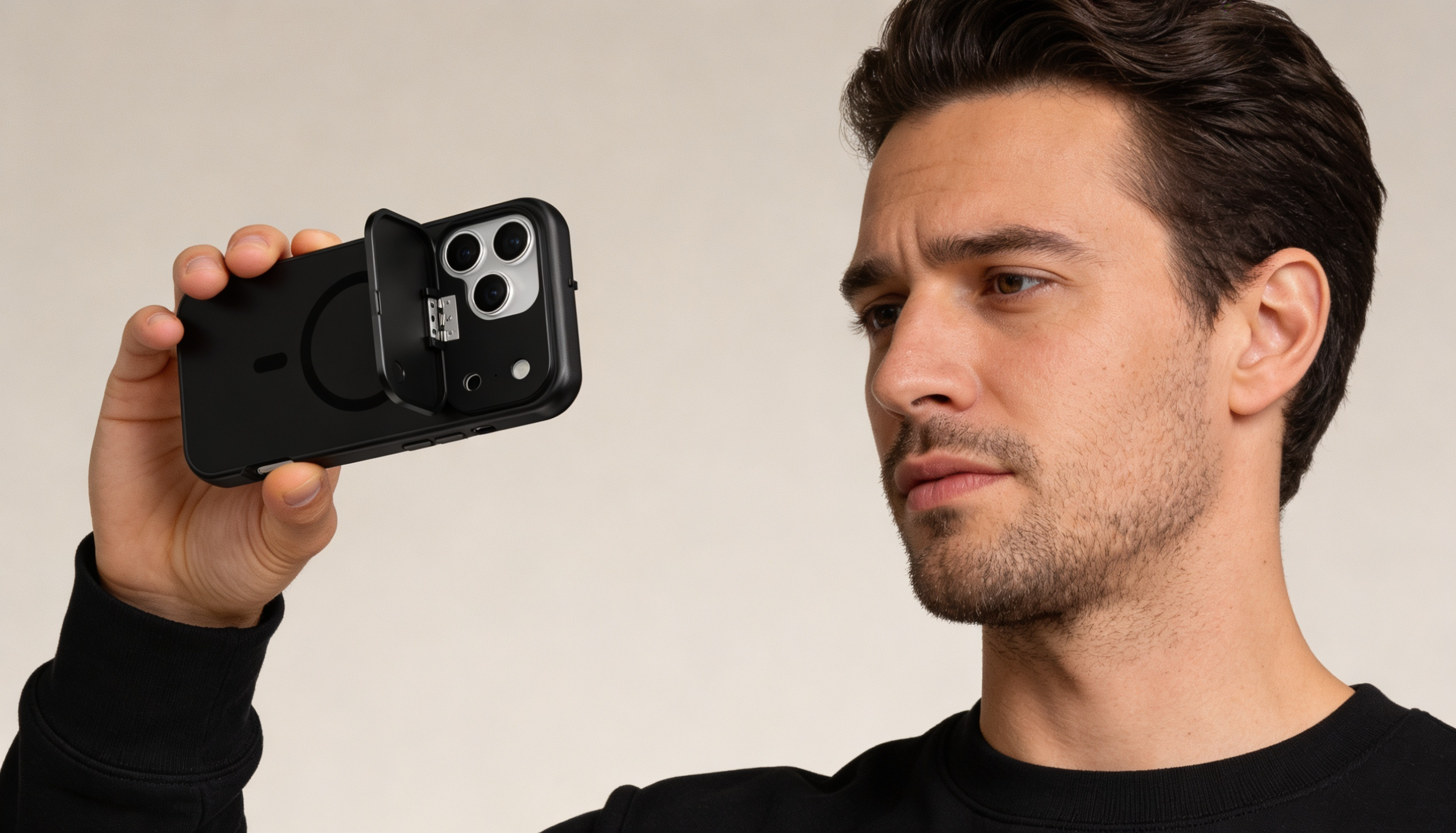
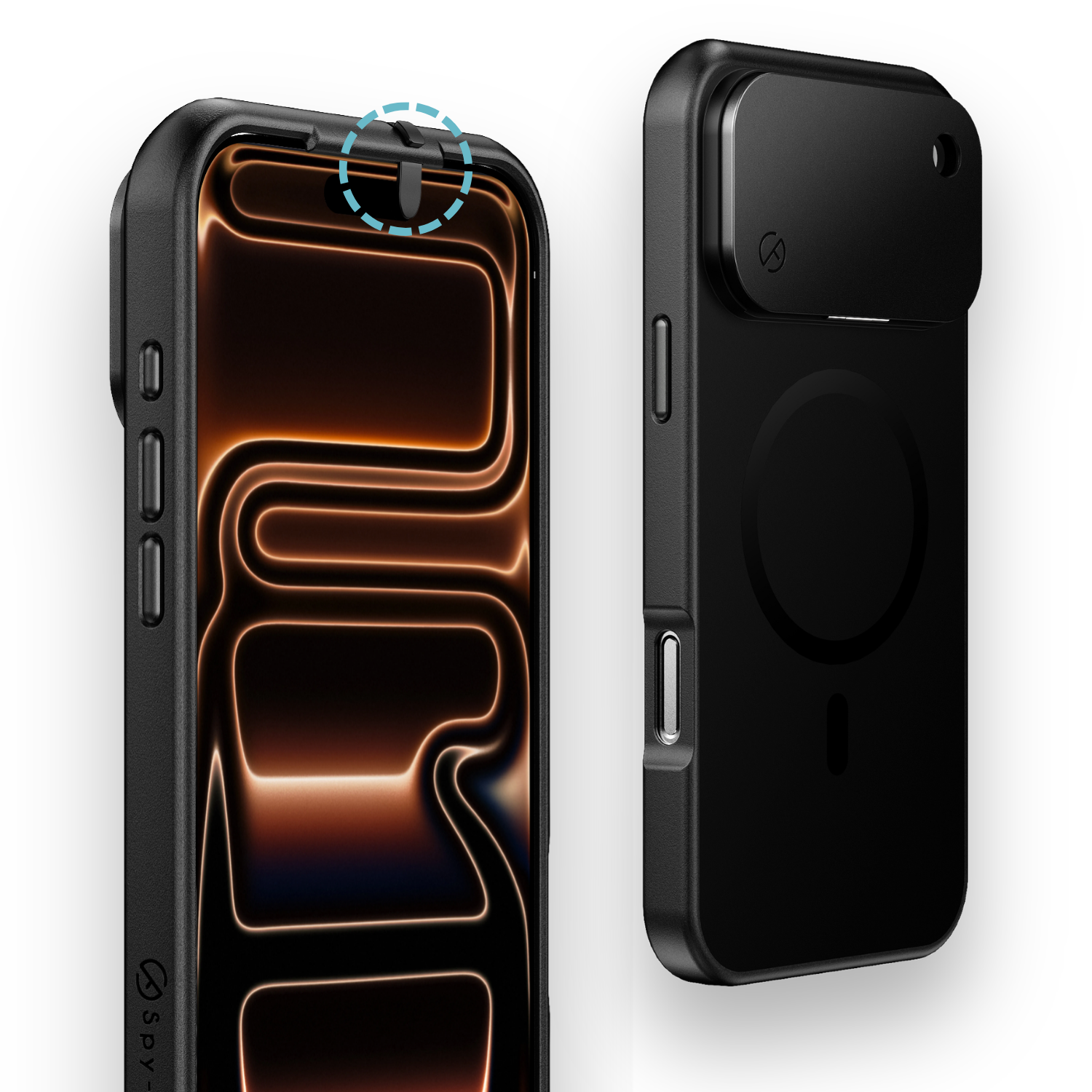
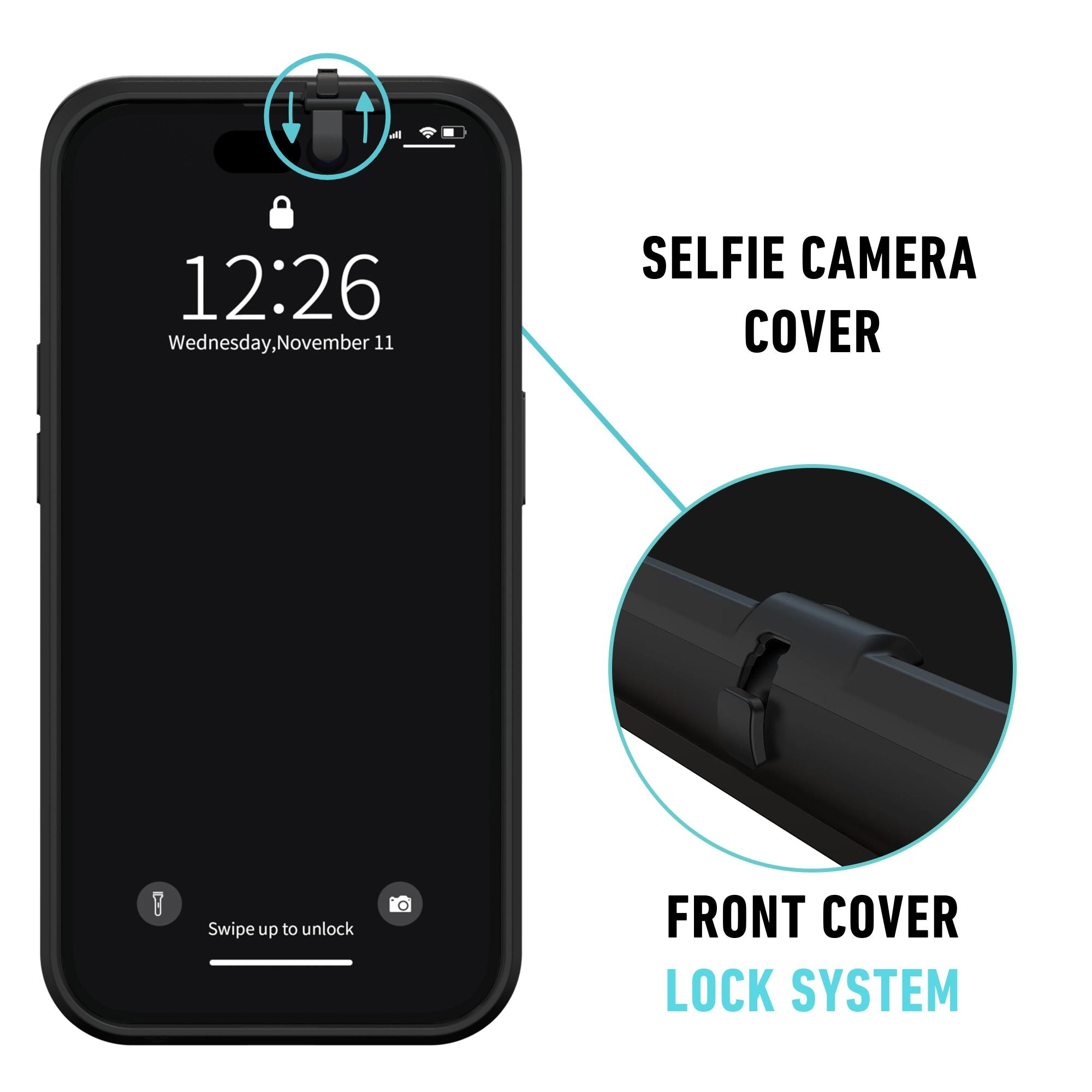
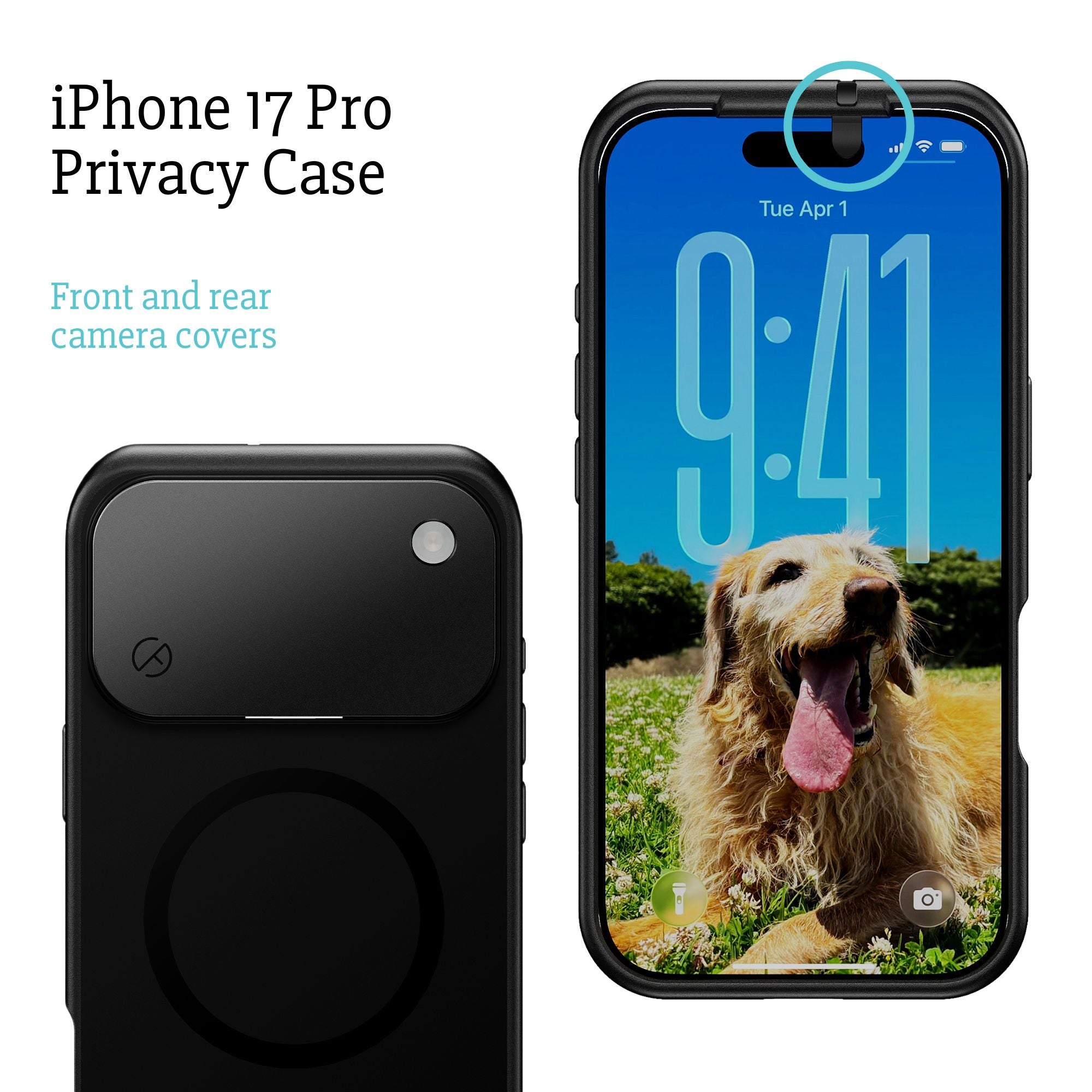
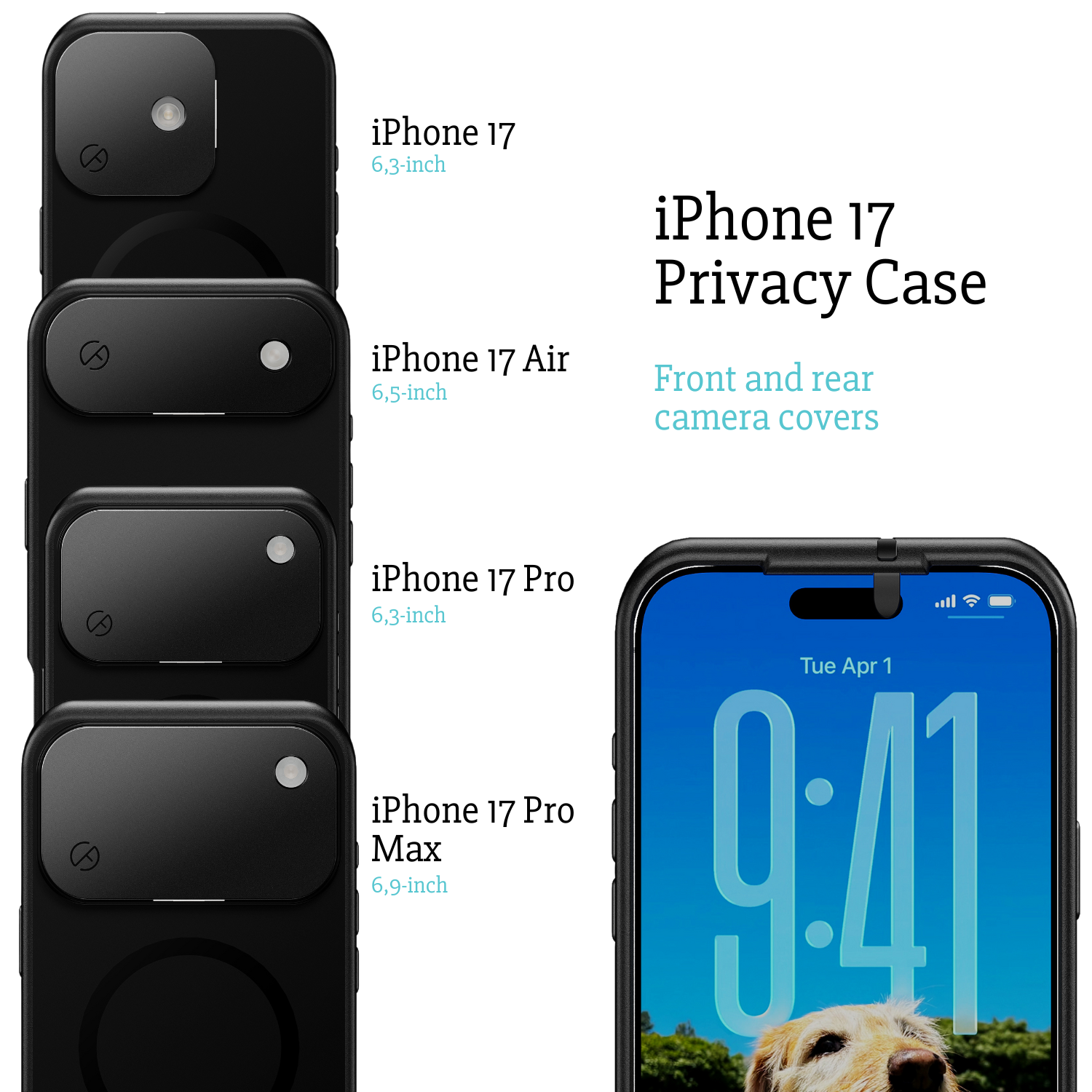
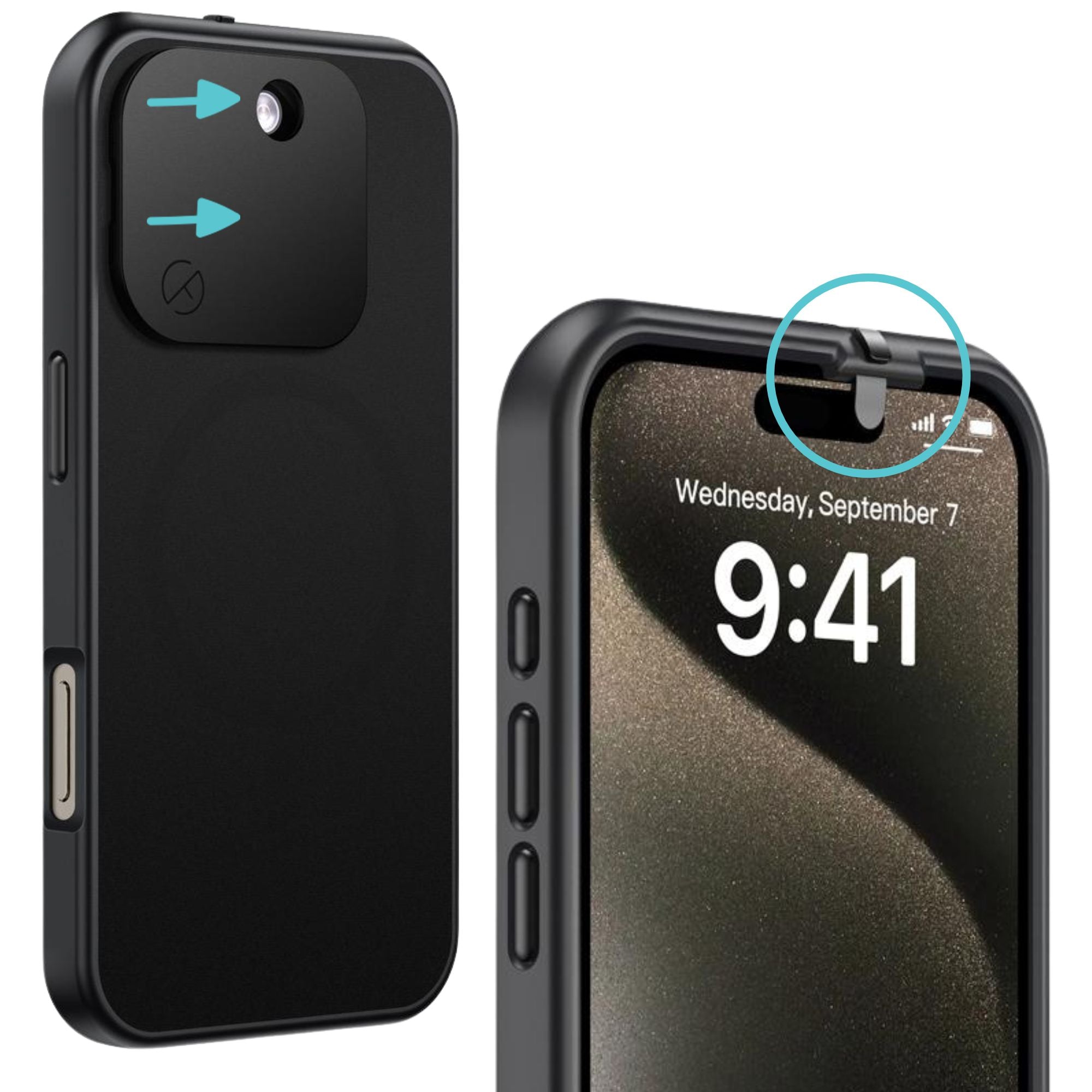
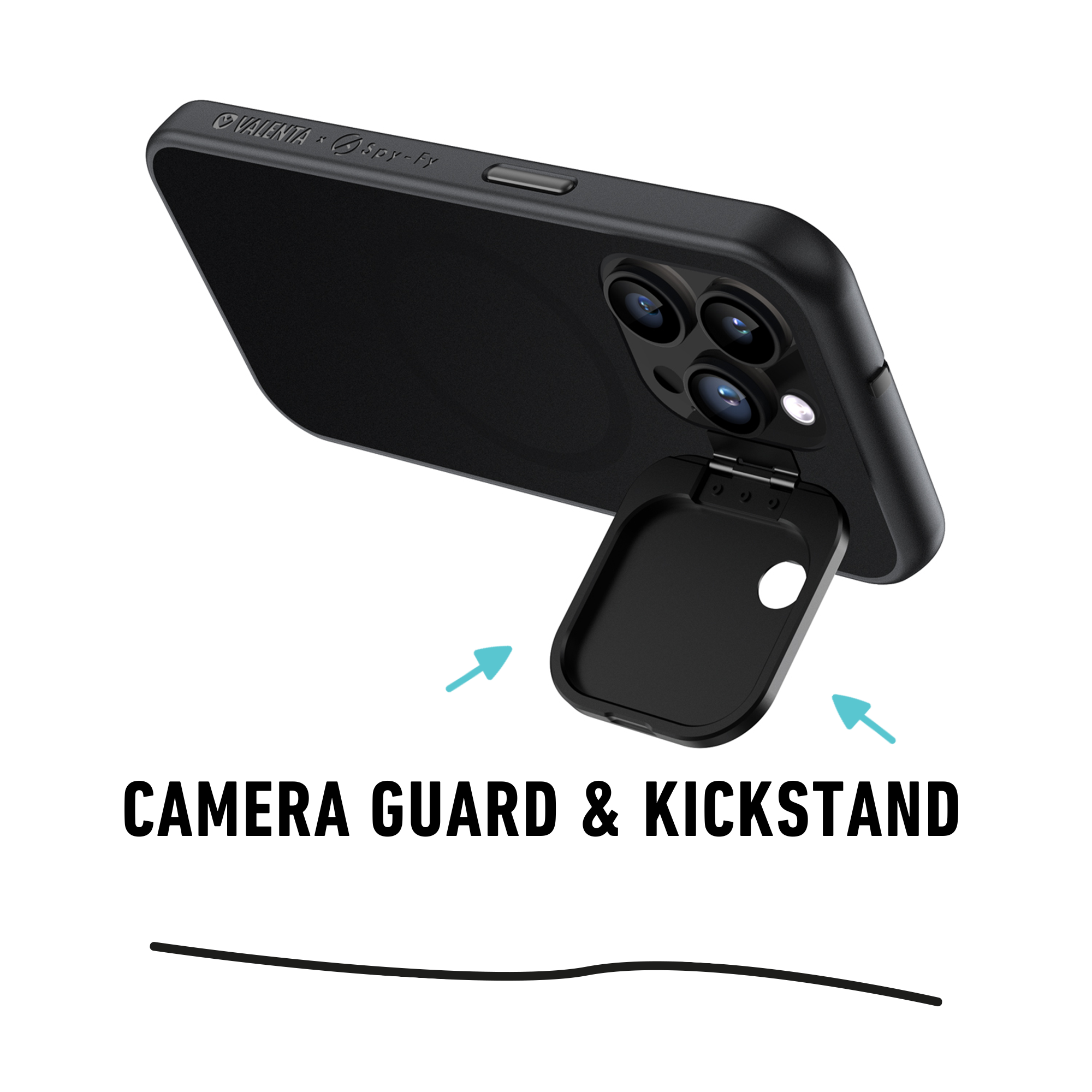
A physical camera cover cannot be bypassed by malware, OS exploits, jailbreaks, or zero-day chains. A piece of plastic over a lens is the one defense that does not depend on Apple shipping the right patch. This is the same logic Mark Zuckerberg used when he was photographed in 2016 with tape over his MacBook camera and microphone, and it is why Spy-Fy builds iPhone privacy cases with built-in sliding camera covers for the iPhone 12 through iPhone 17 series, including the 17 Pro, 17 Pro Max, and 17 Air.
Who actually needs a physical camera cover?
Honest answer: not everyone. If you are a normal consumer using your phone for normal things, software hygiene is probably enough. If you fall into one of these categories, the math changes:
- Journalists and editors handling whistleblowers or sensitive sources. Pegasus has been found on the phones of reporters at Al Jazeera, El Faro, and dozens of other outlets.
- Executives traveling to jurisdictions where commercial espionage is routine.
- Lawyers handling cases where the opposing party has resources and motive. Attorney-client privilege does not protect you from a compromised lens.
- Healthcare workers whose phones are present during patient interactions. HIPAA does not exempt a hacked camera.
- Government and military personnel on or near classified work.
- Activists and dissidents in or from authoritarian states.
For a complete privacy posture, the Spy-Fy Privacy Kit bundles a webcam cover, USB data blocker, and RFID blocking card. Combined with a privacy case, that covers the four most common attack surfaces: camera, microphone-via-camera-app, malicious USB, and contactless skimming.
What about microphones?
A camera cover does not block the microphone. iOS shows an orange dot when the microphone is active, and the same diagnostic process applies (App Privacy Report, permissions audit). For situations where audio capture is the primary risk, a Faraday bag is the only physical defense, since it blocks all radio communication off the device. Most camera-spying threats are paired with microphone access, so treat them as one problem with two layers.
The verdict on iPhone camera hacking
Can your iPhone camera be hacked? Technically yes. Practically, for most users, no. For high-value targets, the threat is real and documented. Apple's defenses are excellent and improving, but they have failed before and will fail again, because that is how software works.
If you do nothing else, do these three things: keep iOS updated, audit your camera permissions monthly, and check your App Privacy Report. If your role makes you a target, add Lockdown Mode and a physical camera cover. The cover is the only protection that does not depend on Apple shipping the right patch in time.
Spy-Fy builds privacy cases that look and feel like premium iPhone cases, with sliding front and rear camera covers engineered into the design. Face ID still works when the front cover is open. The flashlight still works when the rear cover is closed. Browse the full iPhone privacy case collection to find the model that fits your phone, or read our deeper analysis of whether someone can hack your iPhone camera for additional context.