To turn off camera sound on iPhone in the United States and most of Europe, flip the Ring/Silent switch on the left side of your phone, or press the Action button on iPhone 15 Pro and newer if it is assigned to silent mode. The shutter is muted instantly. If your iPhone was purchased in Japan or South Korea, the shutter sound cannot be disabled by design, regardless of software settings.
This guide covers every legitimate method on current iOS versions and explains why region-locked devices behave differently. It is written for journalists protecting source confidentiality, healthcare workers documenting patient cases discreetly, parents of sleeping children, museum visitors, and professionals who simply want quiet operation in sensitive environments. We will also touch on the broader question of iPhone camera privacy, where Spy-Fy's privacy cases with built-in camera covers fit in.
One thing this guide is not: a tutorial on covertly photographing other people. Doing so is illegal in many US jurisdictions and unethical in all of them. The methods below are tools. How you use them is on you.
Method 1: The Ring/Silent switch (fastest)
On iPhone 14 and earlier, the small toggle on the upper left edge of the phone controls silent mode. Flip it so the orange indicator shows. Open the Camera app and take a photo. The shutter sound is gone. This is the original Apple-supported method to mute camera sound on iPhone and the one referenced in Apple's own support documentation.
The catch: silent mode also silences calls, notifications, and alarms. If you want the camera quiet but still need to hear your phone ring, skip to the volume slider method below.
Method 2: The Action button (iPhone 15 Pro and newer)
Starting with the iPhone 15 Pro, Apple replaced the Ring/Silent switch with a customizable Action button. To use it to switch off camera sound on iPhone:
- Open Settings, then tap Action Button.
- Swipe to the Silent Mode option.
- Press and hold the Action button to toggle silent mode on.
Some users prefer to assign the Action button to a Shortcut that opens the Camera app in silent mode in one press. Method 7 covers that workflow. For a hardware-level look at how the Action button pairs with privacy accessories, see our breakdown of the best iPhone 17 Pro case with camera cover.
Method 3: Lower the ringer volume to zero
If you do not want to enable full silent mode, drop the ringer volume to zero instead. Go to Settings, then Sounds & Haptics, and drag the Ringer and Alerts slider all the way to the left. The camera shutter follows the ringer volume on most iOS versions, so a zero ringer equals a silent shutter.
This method preserves vibration alerts and lets media playback continue at normal volume. It is the most practical option for daily use.
Method 4: Enable Live Photos
Live Photos capture 1.5 seconds of motion before and after the still frame, so the shutter sound is automatically suppressed. Open the Camera app, tap the Live Photos icon (concentric circles) at the top of the screen to turn it on, and take your photo. No sound.
The trade-off is file size. Live Photos take roughly twice the storage of a standard photo. If you only need the still image, you can convert a Live Photo to a static JPEG afterward by tapping Edit, then the Live Photos icon, then Off.
Method 5: Bluetooth audio redirect
Connect AirPods or any Bluetooth headphones and the iPhone routes the shutter sound to the headphones instead of the speaker. To anyone nearby, the camera is silent. Only you hear the click in your ear.
This works on every iPhone model and every iOS version. It is particularly useful for travel photographers in quiet venues like galleries, libraries, or places of worship where a sudden shutter would be intrusive.
Method 6: Photo while recording video
Open the Camera app, switch to Video mode, and start recording. While recording, a white shutter button appears next to the red stop button. Tap it to capture a still frame. No shutter sound plays because the iPhone is in video mode.
The captured image is slightly lower resolution than a normal photo (it pulls from the video frame), but for casual shots it is indistinguishable. This trick has worked on every iPhone since the iPhone 5s.
Method 7: Shortcuts automation for the Camera app
If you want your iPhone to automatically enter silent mode every time you open the Camera app and exit silent mode when you close it, use the Shortcuts app:
- Open Shortcuts and tap Automation.
- Tap the plus icon, then App.
- Choose Camera, select Is Opened.
- Add an action: Set Silent Mode, toggled On.
- Repeat the process for Is Closed, setting Silent Mode Off.
Set both automations to run without confirmation. From that point on, the Camera app behaves silently while leaving the rest of your phone unaffected. This is the cleanest solution for professionals who shoot frequently in mixed environments.
Region-locked iPhones: Japan and South Korea
If you bought your iPhone in Japan or South Korea, the camera shutter sound cannot be disabled. Apple complies with local anti-voyeurism laws by hard-coding the sound at the firmware level. Silent mode, zero volume, Live Photos, and Bluetooth headphones all fail to mute it. Even jailbreaking will not reliably defeat it on current iOS versions.
You can check your model's region by going to Settings, then General, then About, and looking at the Model Number. A code ending in J/A indicates Japan, KH/A indicates South Korea. Devices sold in the UAE and parts of mainland China may also have restrictions depending on the iOS build.
Traveling to one of these countries with a US-bought iPhone does not activate the restriction. The restriction is tied to the hardware, not your location. This is intentional on Apple's part and is unlikely to change.
The ethics and legality worth pausing on
Silent photography is a legitimate need for plenty of professionals. Journalists shooting in courtrooms or press conferences. Healthcare workers documenting wounds without startling patients. Parents capturing a sleeping infant. Wildlife photographers. Auction house staff. Museum visitors. Researchers documenting fragile specimens.
It is also a tool that can be misused, which is why some countries mandate the shutter sound. In the United States, recording or photographing someone in a place where they have a reasonable expectation of privacy (restrooms, dressing rooms, private homes) is illegal regardless of whether your camera makes a sound. Two-party consent laws in states like California, Florida, and Massachusetts add further restrictions on audio recording. Silent photo capability does not grant silent legal protection.
The other side of camera privacy: your own
While this guide is about controlling sound on your iPhone, the bigger privacy question is who controls the camera itself. iPhone cameras have been targeted by spyware like Pegasus, malicious apps that abuse granted permissions, and zero-click exploits documented in security disclosures involving iPhone camera vulnerabilities. A muted shutter does nothing to stop unauthorized access. A physical cover does.
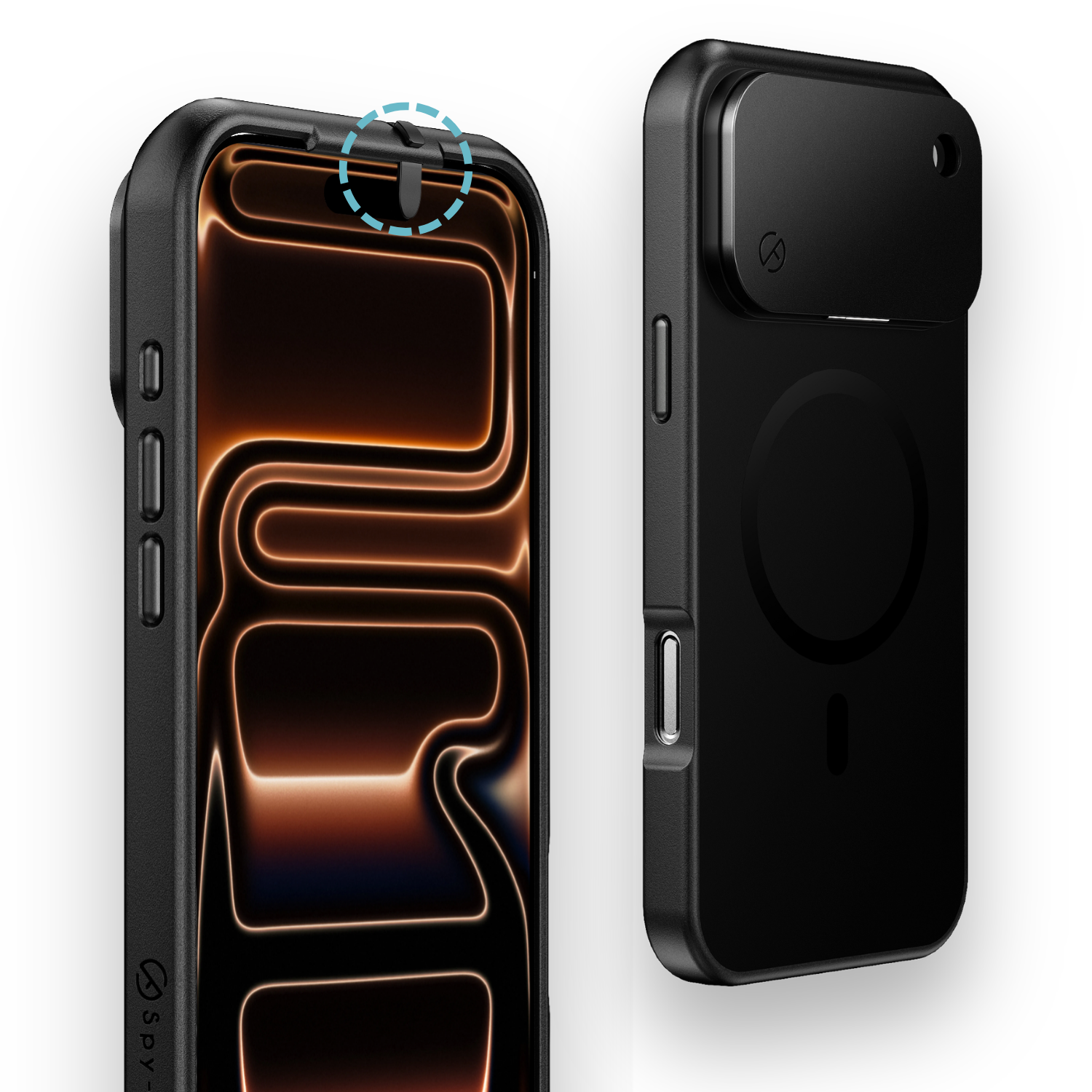
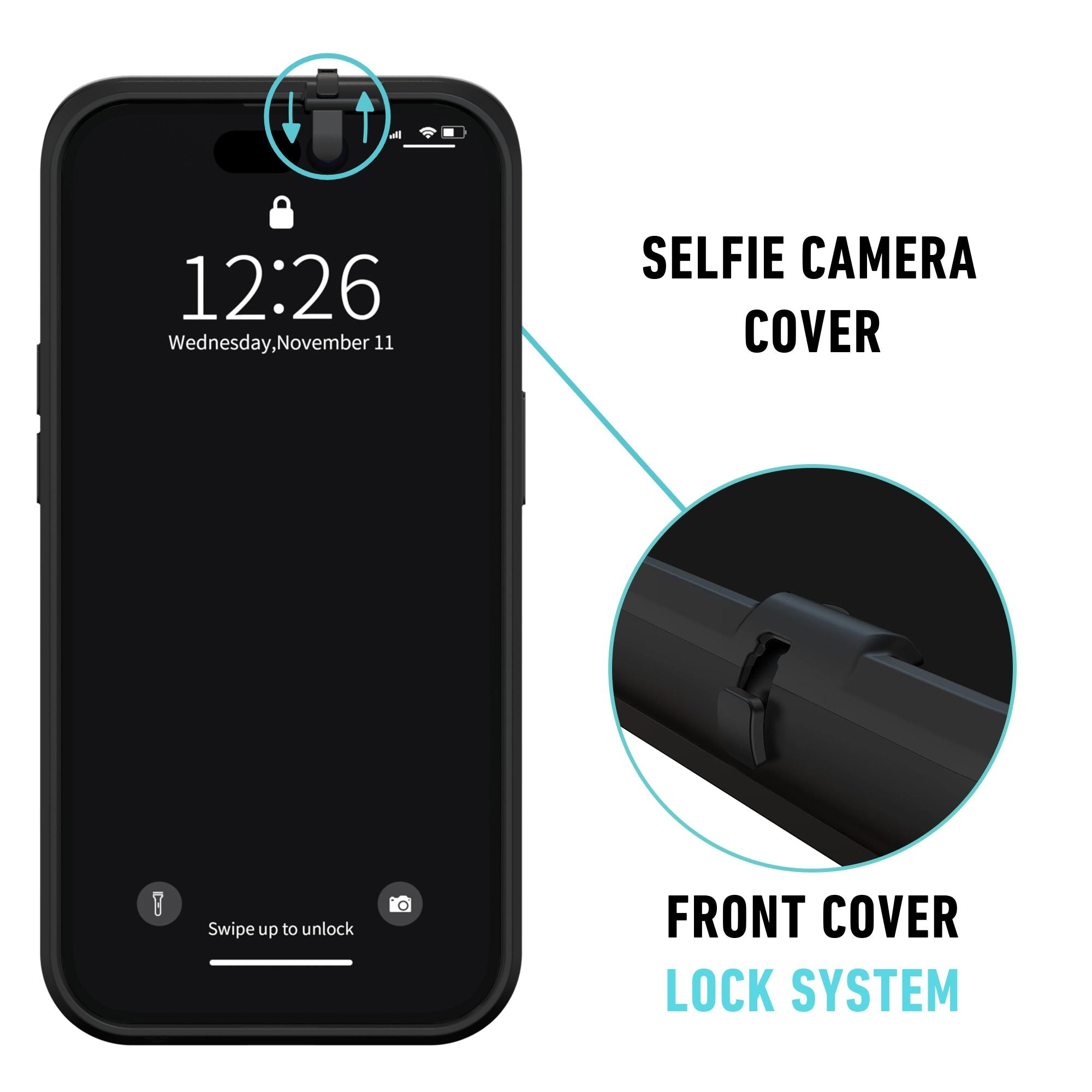
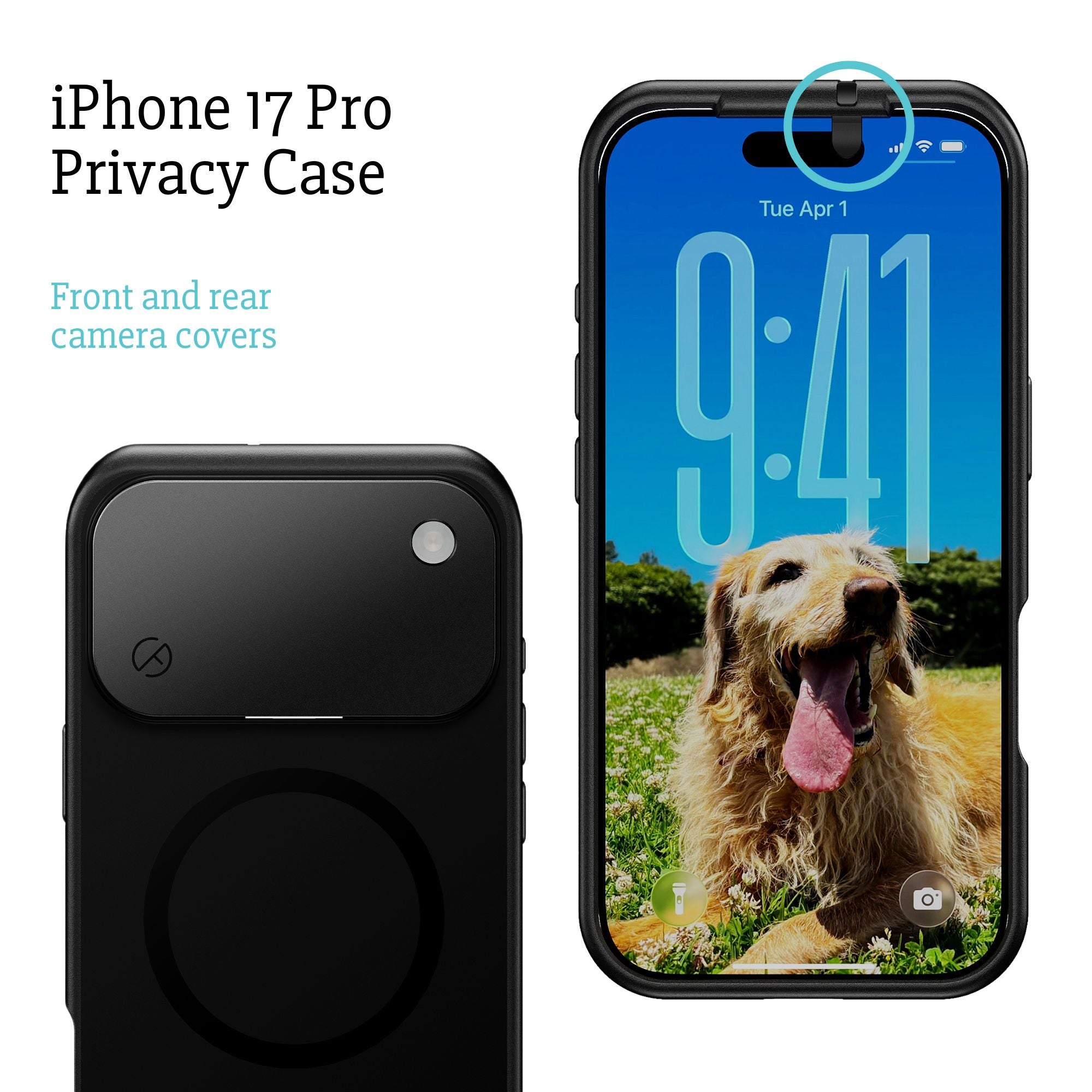
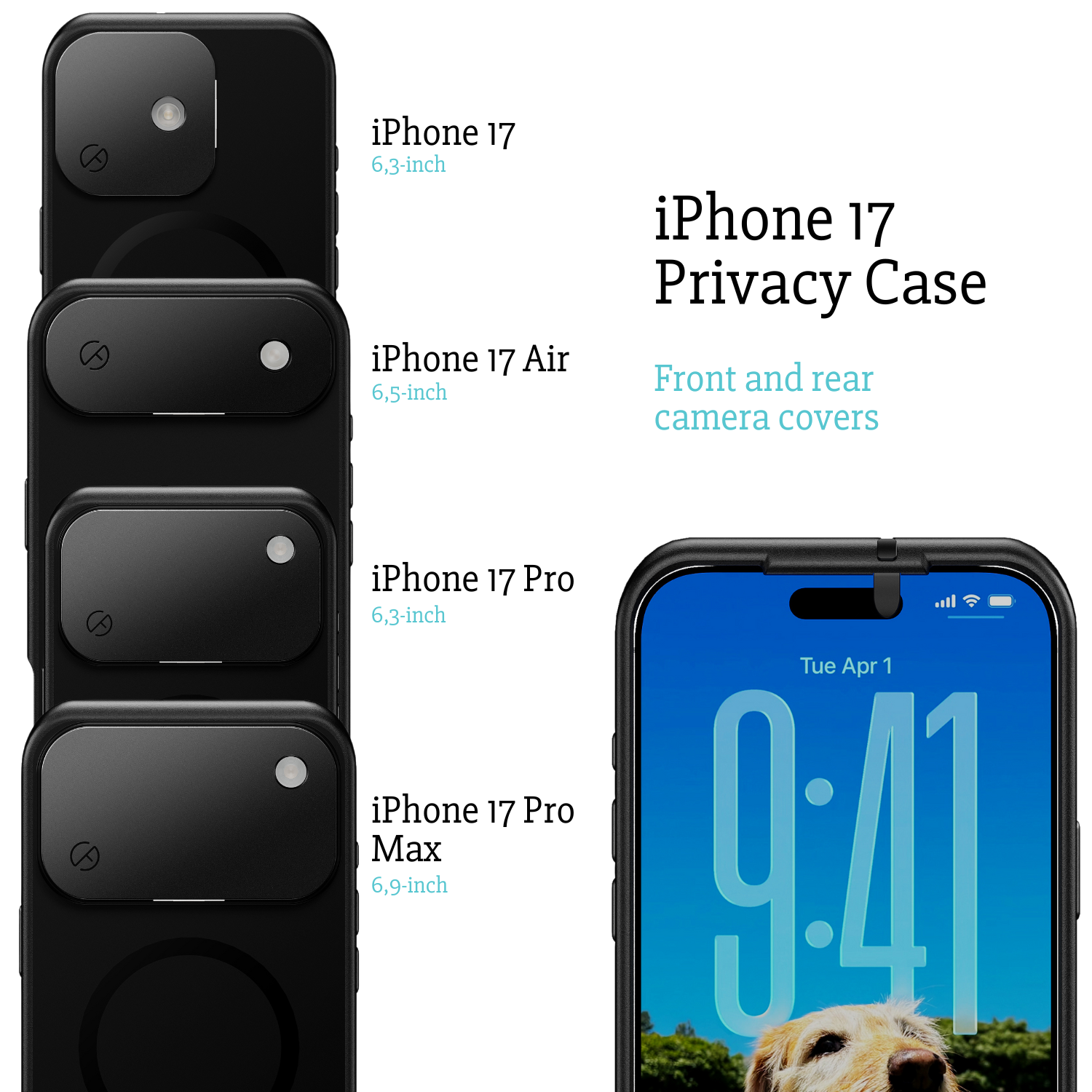
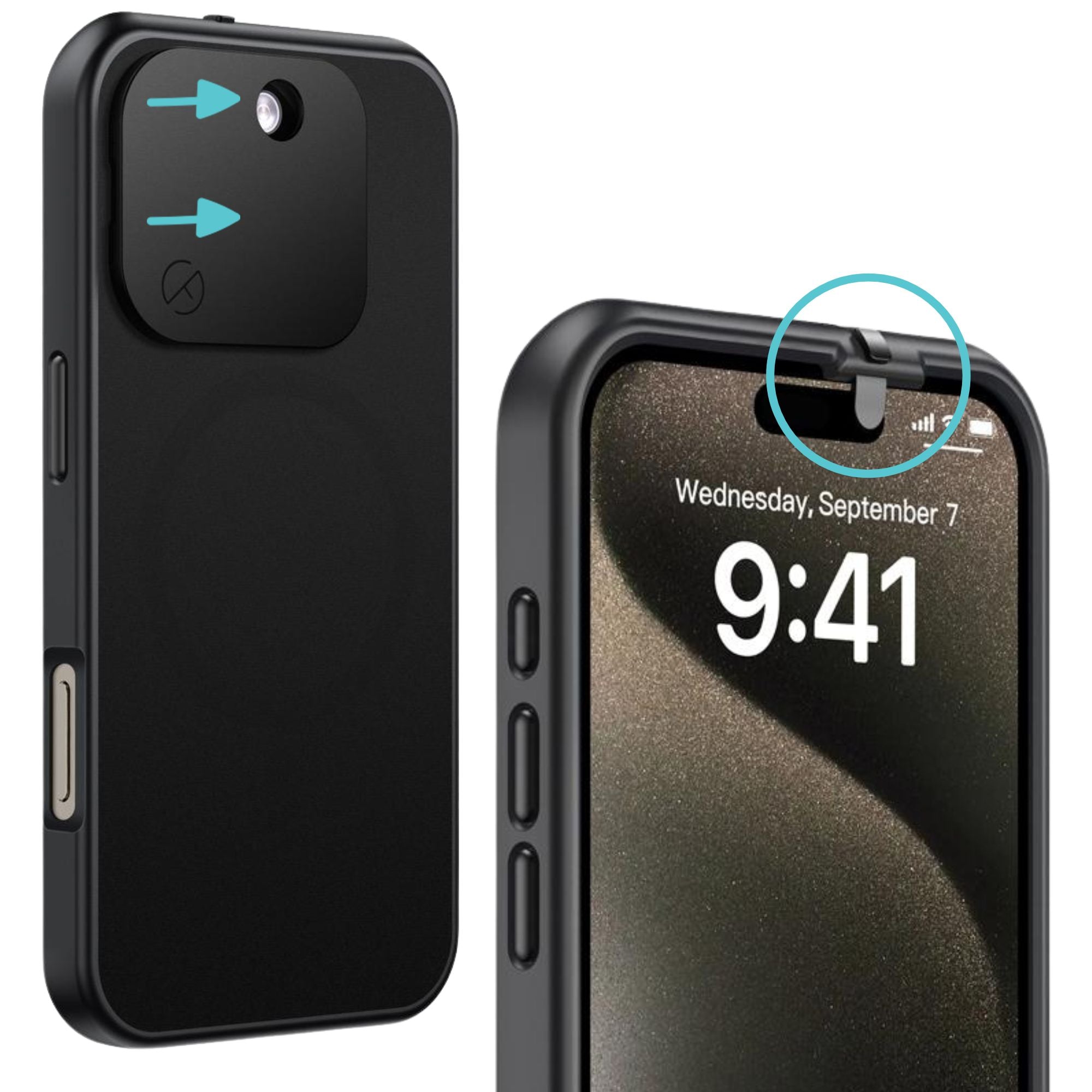
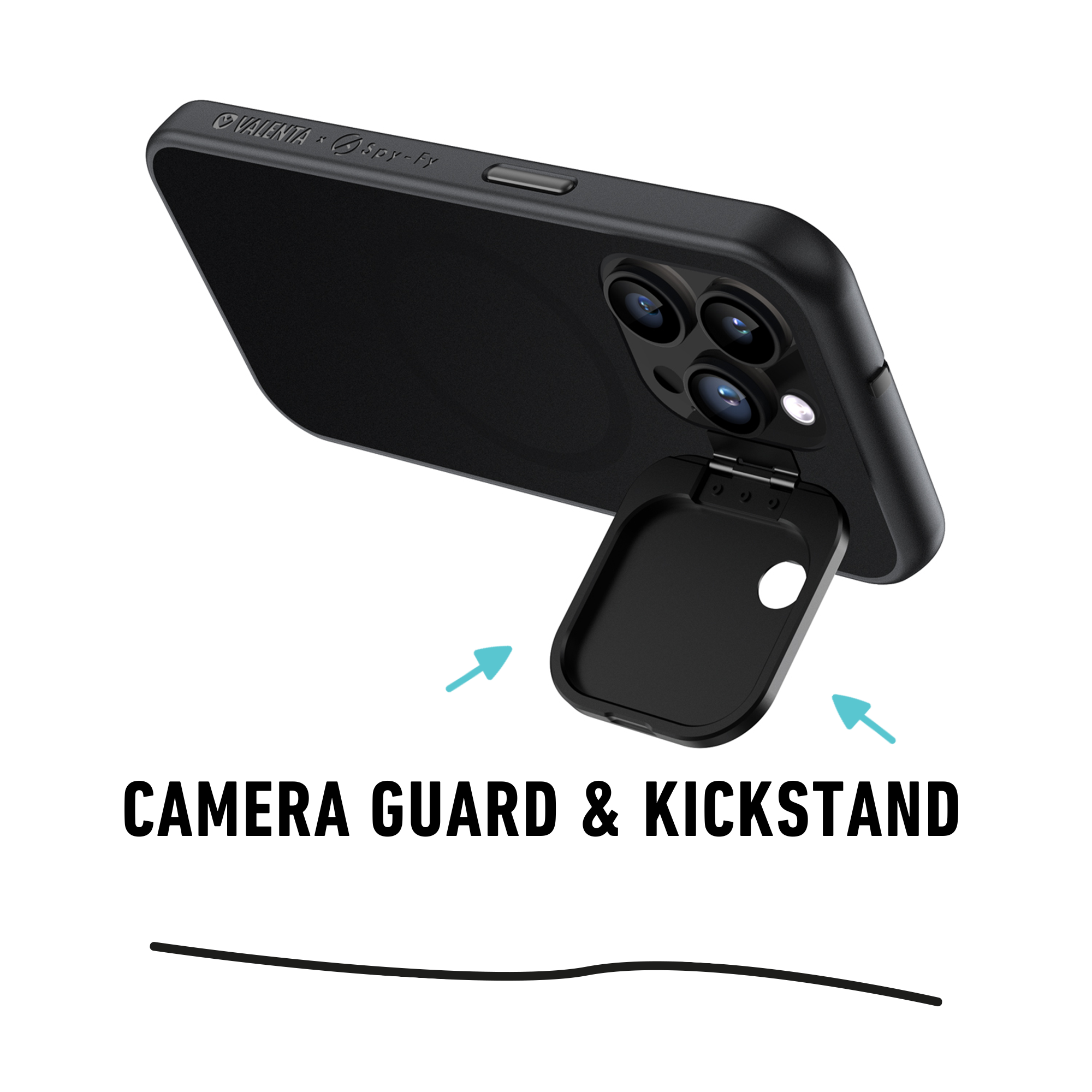
This is the gap Spy-Fy's iPhone 17 privacy cases address. The built-in sliding cover physically blocks the front camera and a flip cover protects the rear lens. Face ID still works when the front cover is open, and the flashlight remains usable when the rear cover is closed. For executives, lawyers, and journalists who carry sensitive information on their phone, a physical barrier is cheaper than a forensic incident review.
Which method should you actually use
For one-off silent shots, flip the Ring/Silent switch or press the Action button. For ongoing silent shooting without losing notifications, drop the ringer volume to zero or build a Shortcuts automation. For absolute discretion in quiet venues, use Bluetooth headphones so even you barely hear the click. For region-locked Japanese or Korean iPhones, accept that the sound stays on.
If your concern extends past shutter sound to who can actually see through your iPhone camera, the answer is not a setting. It is a physical barrier. Browse the full lineup of Spy-Fy privacy cases with built-in camera covers for iPhone 12 through iPhone 17 Pro Max.