AirTag stalking is the misuse of Apple's $29 Bluetooth trackers to follow a person's movements without consent, usually by slipping the coin-sized device into a bag, jacket pocket, or car. Because AirTags piggyback on Apple's global Find My network of roughly a billion iPhones, a stalker never needs to be near the victim to see their location. This guide is written for people with a specific reason to worry: domestic violence survivors, journalists working sensitive stories, executives targeted for corporate espionage, and anyone who has received an unknown-tracker alert on their phone.
According to court filings referenced in the 2026 class action against Apple, US law enforcement has logged over 40,000 AirTag-related stalking reports since the product launched in 2021. Silent, speaker-disabled AirTags now circulate on resale marketplaces, defeating the audible chirp Apple designed as a safety measure. Detection matters more than it did two years ago, and so does what you do after you find one.
Below is a full walkthrough: how AirTags work, the signs you are being tracked, detection steps for iPhone and Android, how to disable a device, and how a Faraday bag fits into a broader anti-tracking plan. For readers wanting context on the wider hardware category, our privacy protection collection covers physical countermeasures for phones, cameras, and signals.
How AirTags work and why they enable stalking
An AirTag is a 1.26-inch disc with a Bluetooth Low Energy radio, an NFC chip, a small speaker, and a replaceable CR2032 battery that lasts about a year. It has no GPS, no cellular radio, and no independent internet connection. Instead, it broadcasts a rotating encrypted Bluetooth ID that any nearby Apple device silently relays to iCloud. The owner then sees the tag's approximate location in the Find My app.
This design makes AirTags cheap and long-lived, but it is also what makes them attractive to stalkers. There is no SIM card to trace, no monthly subscription, and the tracker itself does not know where it is: the network of strangers' iPhones does the reporting. A person could drop an AirTag into your car in a parking lot and follow every trip you take for months.
Apple has added anti-stalking features under pressure, including unknown-tracker alerts on iOS and, from December 2023 onward, a joint industry specification that lets Android detect AirTags too. These features help, but they are not foolproof, especially against modified units sold with the speaker physically removed. If you want to stop that broadcast the moment you find a tracker, a signal-blocking Faraday bag is the fastest way to cut the connection without destroying evidence.
Signs you are being tracked with an AirTag
Detection usually starts with one of three signals. Recognizing them early shortens the window a stalker has on you.
1. An unknown tracker alert on your phone
On iPhone with iOS 14.5 or later, you will get a notification reading "AirTag Found Moving With You" if an AirTag that is not registered to your Apple ID has been traveling with you for a period of time. The alert typically fires within 8 to 24 hours of separation from the tag's owner, though timing varies with movement patterns and how often you pass other iPhones.
Android users need to install Apple's free Tracker Detect app or, on Android 6.0 and later, use the built-in Unknown Tracker Alerts feature Google rolled out in 2023. Unlike iPhone, Android does not scan automatically in the background on all devices, so a manual scan every few days is worth doing if you have specific reason for concern.
2. An audible chirp from your belongings
An AirTag separated from its owner for 8 to 24 hours will emit a short chime when it moves. It is quiet, roughly 60 decibels, and easy to miss in a car or crowded bag. If you have heard an unexplained beep from your coat, purse, backpack, or vehicle interior, treat it as a lead. Note that stalkers increasingly buy modified AirTags with the speaker disconnected, so the absence of sound is not proof of safety.
3. Unexplained knowledge of your location
If an ex-partner, colleague, or stranger references places you have been that you never told them about, that is a behavioral signal. Trust it. Domestic violence advocates report this is often how survivors first realize they are being tracked, before any phone alert appears.
How to detect an AirTag: step by step
On iPhone
- Open the Find My app and tap the Items tab.
- Tap Identify Found Item at the bottom. This scans for nearby AirTags reported as separated from their owner.
- If your phone has already alerted you, tap the notification. It will show a map of where the tag has traveled with you and a Play Sound button to help locate the device.
- Use Precision Finding (iPhone 11 and later) to walk toward the tag with distance and direction on screen.
- Once found, hold the top of your iPhone to the white side of the AirTag. NFC will open a webpage showing the tag's serial number and the last four digits of the owner's phone number. Screenshot this immediately.
On Android (how to find an unknown AirTag without an iPhone)
- Install Tracker Detect from Google Play, or open Settings > Safety & emergency > Unknown tracker alerts on Android 6+.
- Tap Scan now. The app takes about 10 to 15 seconds and lists any AirTags or Find My network trackers in range that have been separated from their owner.
- If a tracker appears, tap it and select Play sound to help locate it.
- Hold your phone's NFC area to the AirTag to retrieve the serial number.
Manual search if apps find nothing
Modified AirTags with disabled speakers or non-Apple trackers may not appear in either app. Physically inspect: inside the wheel wells, under bumpers, in the gas cap area, under floor mats, inside spare tire wells, and in the trunk lining of your car. On your person, check bag linings, coat pockets, zipper compartments, and any gift received recently from a suspect party. Third-party Bluetooth scanner apps can also list nearby Bluetooth devices, though interpreting the results takes some patience.
Finding a hidden AirTag in a car or bag: what to do next
The instinct is to smash it. Do not. The AirTag is potential evidence, and how you handle it matters for both your safety and any future legal case.
- Document first. Photograph the tag exactly where you found it. Screenshot the NFC page showing the serial number and partial owner phone number. Note the date and time.
- Do not go home if you feel unsafe. If you suspect an abusive partner or stalker, drive to a police station, a trusted friend's home, or a public place before disabling the tag. The moment the tag stops moving, whoever is watching may realize you found it.
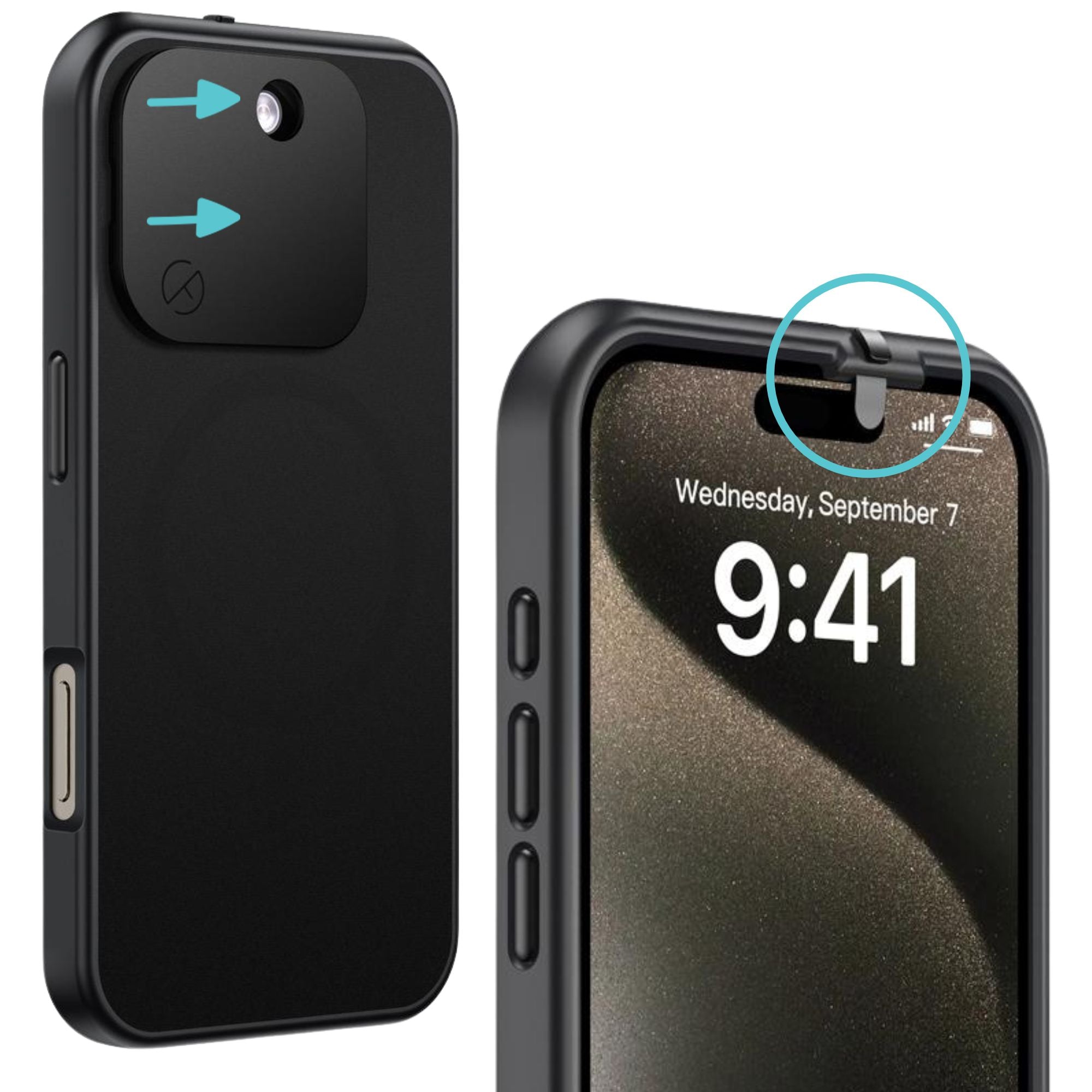
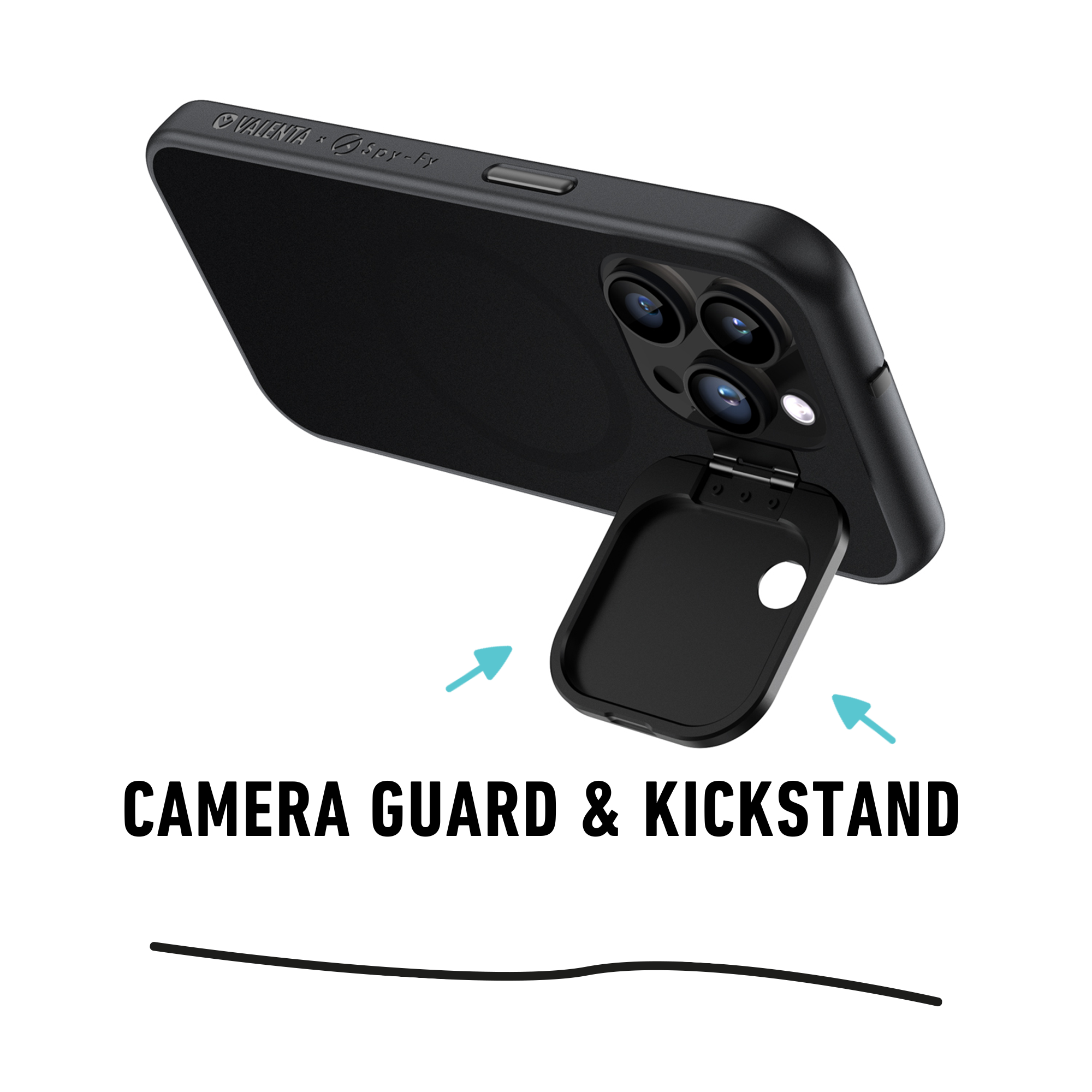
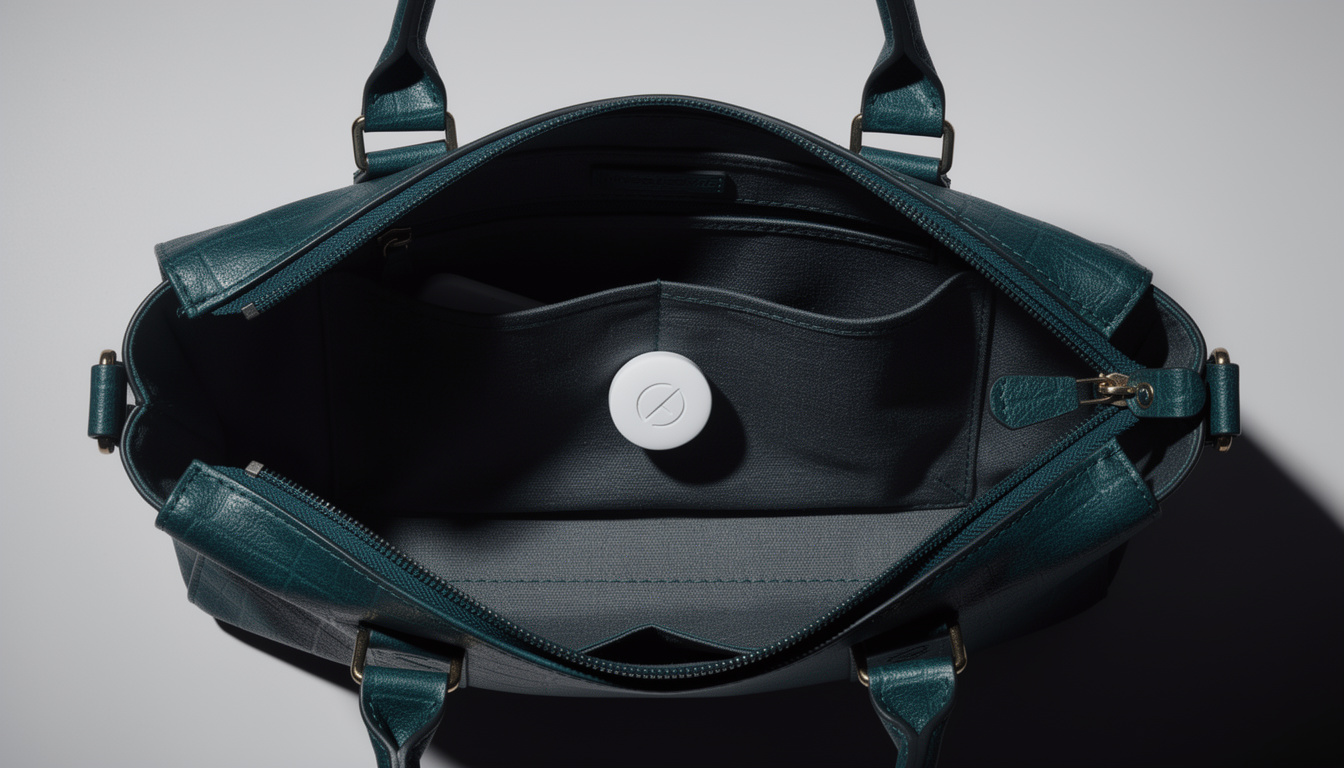
- Block the signal. Drop the AirTag into a Faraday bag. This stops the Bluetooth broadcast without destroying the device, so evidence is preserved and the stalker sees the last known location freeze.
- Report it. Contact local law enforcement. In the US, unauthorized tracking is illegal in most states under stalking or electronic surveillance statutes. Provide the serial number, which Apple can tie to the purchaser's Apple ID when served with a subpoena.
- Reach victim support. The National Domestic Violence Hotline (1-800-799-7233) and the Stalking Prevention, Awareness, and Resource Center (SPARC) can help with safety planning. RAINN (1-800-656-4673) supports survivors of sexual violence who face tracking-related threats.
Only after those steps should you disable the AirTag by twisting the metal battery cover counterclockwise and removing the CR2032 battery.
How a Faraday bag stops AirTag tracker detection failures
A Faraday bag is a pouch lined with conductive fabric that blocks radio signals from entering or leaving. Because an AirTag can only broadcast its identifier by Bluetooth to nearby Apple devices, sealing it inside a Faraday bag cuts the connection completely. From the stalker's Find My app, the tag simply goes offline at the moment it was bagged.
This is why bagging the tracker is often the right first action after finding one. Unlike removing the battery, it does not tip off the perpetrator that you are actively disabling their surveillance, and it does not destroy evidence. It also works on any other Bluetooth or cellular tracker you might find: Tile, Samsung SmartTag, or aftermarket GPS units used in commercial vehicle theft. If you want the broader context on how these pouches disrupt tracking hardware, our explainer on whether a Faraday phone case stops tracking lays out the physics without marketing spin.
Other trackers stalkers use besides AirTags
AirTag stalking gets the headlines, but a determined stalker has options. Awareness of the broader category prevents tunnel vision.
- Tile trackers: Bluetooth-based, uses Tile's own crowd-sourced network. Tile's Scan and Secure feature exists but requires the victim to know to look for it.
- Samsung SmartTag and SmartTag 2: Uses Samsung's SmartThings Find network. Detectable via the SmartThings app on Android, less easily on iPhone.
- Cellular GPS trackers: Devices sold for $30 to $150 that use SIM cards to report location directly, no crowd network needed. Common in vehicle-focused stalking. These do not trigger any of the Bluetooth alerts covered above and require an RF detector or physical search to find.
- Stalkerware apps: Software installed on the victim's phone that reports location, messages, and calls. If someone had physical access to your phone, factory reset and change every password.
Vehicle-focused stalkers often combine a tracker with a key fob relay attack to steal or follow the car itself. Our guide on the best Faraday bag for car keys covers that adjacent threat.
Is AirTag stalking illegal, and what are the lawsuits about
In the United States, using any device to track another adult without consent is illegal under stalking, harassment, or electronic surveillance laws in nearly every state. Penalties range from misdemeanor fines to felony charges when tied to domestic violence or repeated offenses. Pennsylvania passed AirTag-specific legislation in 2023, and other states have followed with amendments to existing stalking statutes.
Apple faces dozens of individual lawsuits after a federal judge denied class action certification in May 2026, ruling that stalking harms are too individualized to consolidate. Plaintiffs argue Apple knew the anti-stalking features were inadequate and that modified silent AirTags sold openly on resale sites made the problem worse. Whatever the legal outcome, the practical takeaway is unchanged: the individual has to be their own first line of defense.
Building a personal anti-tracking routine
If you have reason to worry about being tracked, a simple weekly routine catches most attempts:
- Run a manual scan in Find My (iPhone) or Tracker Detect / Unknown Tracker Alerts (Android) once a week.
- Do a two-minute physical check of your car once a week: wheel wells, bumpers, under seats, glove box.
- Check gifts, mail, and items received from anyone whose motives you question.
- Keep a Faraday bag in your car or bag so you can neutralize a found tracker immediately.
- Save the numbers for local police non-emergency, the National Domestic Violence Hotline, and a trusted contact.
None of this requires paranoia. It requires roughly ten minutes a week, and it collapses the window a stalker has to build a movement pattern on you.
Closing thought
AirTag stalking is a solved problem at the technical level: detect the tracker, block its signal, remove the battery, document everything, involve law enforcement. What makes it hard in practice is the emotional weight of the situation and the pressure to act fast. Having the tools in place before you need them, phone settings configured, a Faraday bag in the glove compartment, hotline numbers saved, turns a crisis into a checklist.
For the hardware side, browse the full Spy-Fy privacy protection range. Physical countermeasures are not a substitute for reporting stalking to authorities, but they give you the one thing an attacker counts on you not having: control over your own signal.